
Last updated: June 5, 2025
If you wish to delete your Money Mate account and all associated data, please follow the steps below carefully. This process is permanent and cannot be undone.
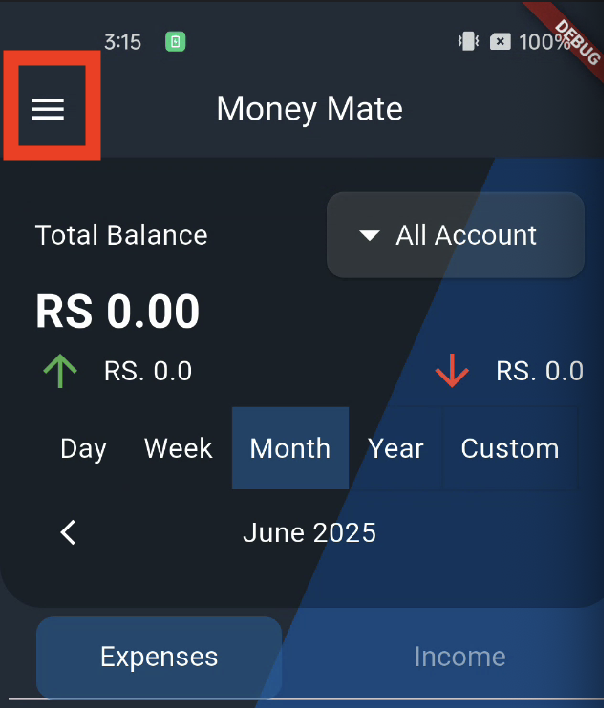
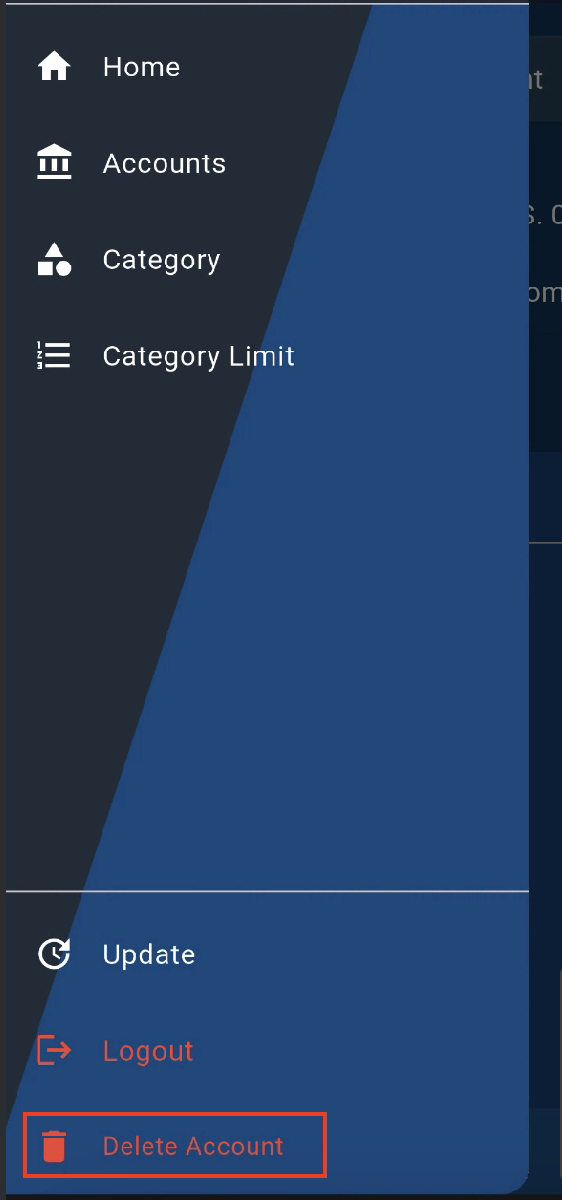
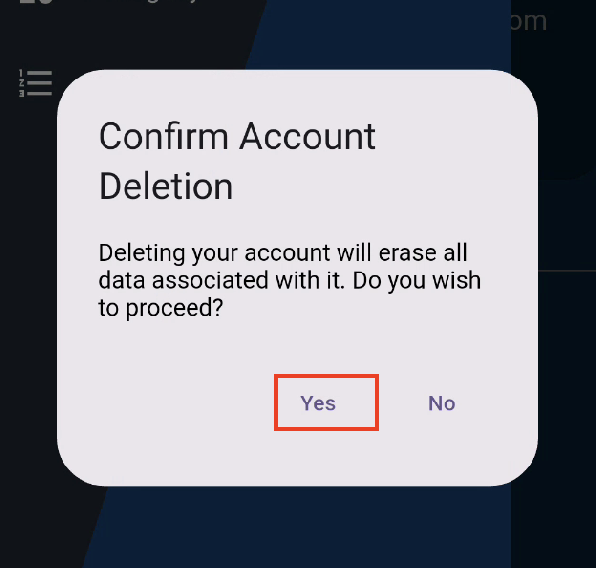
“Deleting your account will erase all data associated with it. Do you wish to proceed?”Tap Yes.
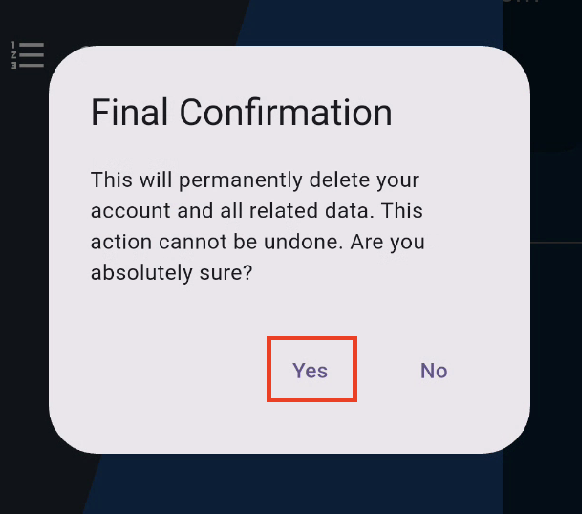
“This will permanently delete your account and all related data. This action cannot be undone. Are you absolutely sure?”Tap Yes again to finalize the deletion.
If you’re having trouble or need help deleting your account, please email us at: musicamazonmusicword@gmail.com